USB export
Sticks that work in the club.
Checked.
Sticks come straight from your master library: your crates, cues and grids, in the format CDJs read, with no rekordbox needed. Then Fadero reads every file back, so a bad copy turns up at home, not in the booth.
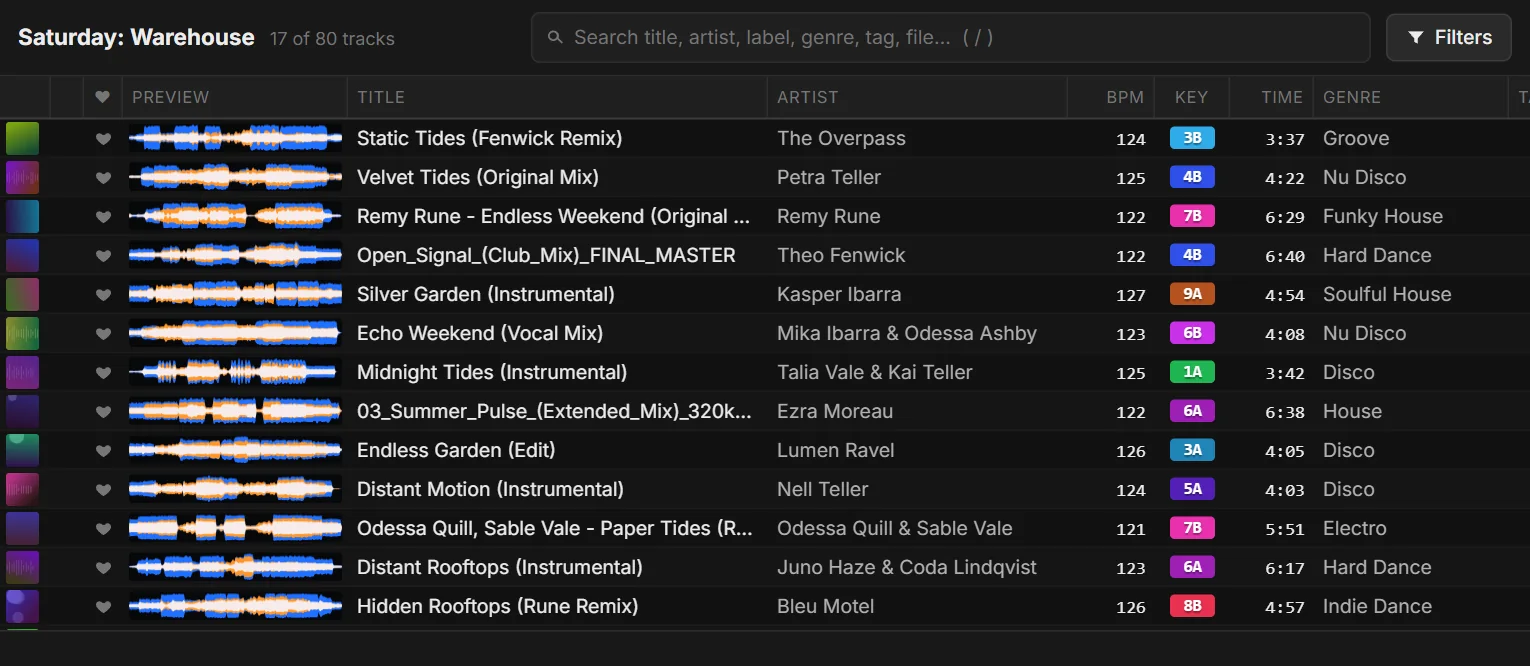
On the stick
Everything the CDJ needs.
The CDJ format
A rekordbox-compatible database, so the stick plays without rekordbox.
Cues, grids, phrases
Your cues, beatgrids, phrases and waveforms.
Your crates
Folders and crates become the stick's playlist tree.
Quick updates
Updating a stick only copies what changed.
My Settings
Your CDJ and mixer settings, written to the stick.
Verify
Every file read back and checked after the export.
Verify
Find a bad copy at home.
After every export, Fadero reads the stick back and checks each file arrived complete. You can check any stick again later, and browse what's on it inside Fadero.
- See which of a stick's tracks are already in your library
- Format a stick for CDJs from the desktop app
After the gig
Your gigs, remembered.
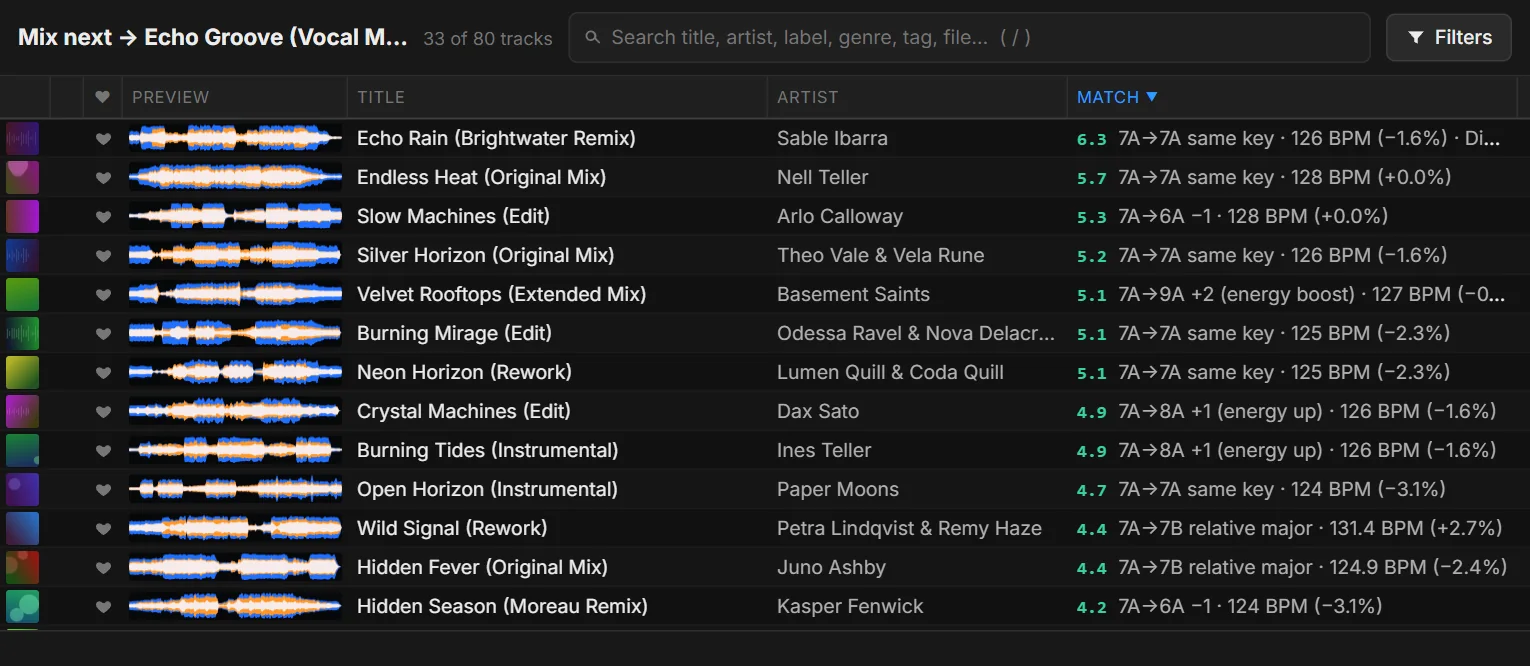
Bring the stick home and Fadero reads its play history: every set you played, and every track's gigs. Follow-ups then show what you actually played after each track.
- See what you play most, and what you never play
- Works with sticks made by rekordbox too
Good to know: an export replaces any rekordbox library already on the stick, so use a stick for Fadero, or one you don't mind overwriting. Free includes one stick of up to 100 tracks; DJ and Pro export as many as you like, with Verify and My Settings. See also preparing a USB stick for CDJs.