Desktop app
Download Fadero.
Version 1.10.0 · Windows 10 and 11, 64-bit · macOS 12 or later, Apple silicon or Intel
First time on a Mac: right-click Fadero in Applications and choose Open. On macOS 15 or later, open it from System Settings → Privacy & Security → Open Anyway.
Signs in with your Fadero account. Accounts open at launch.
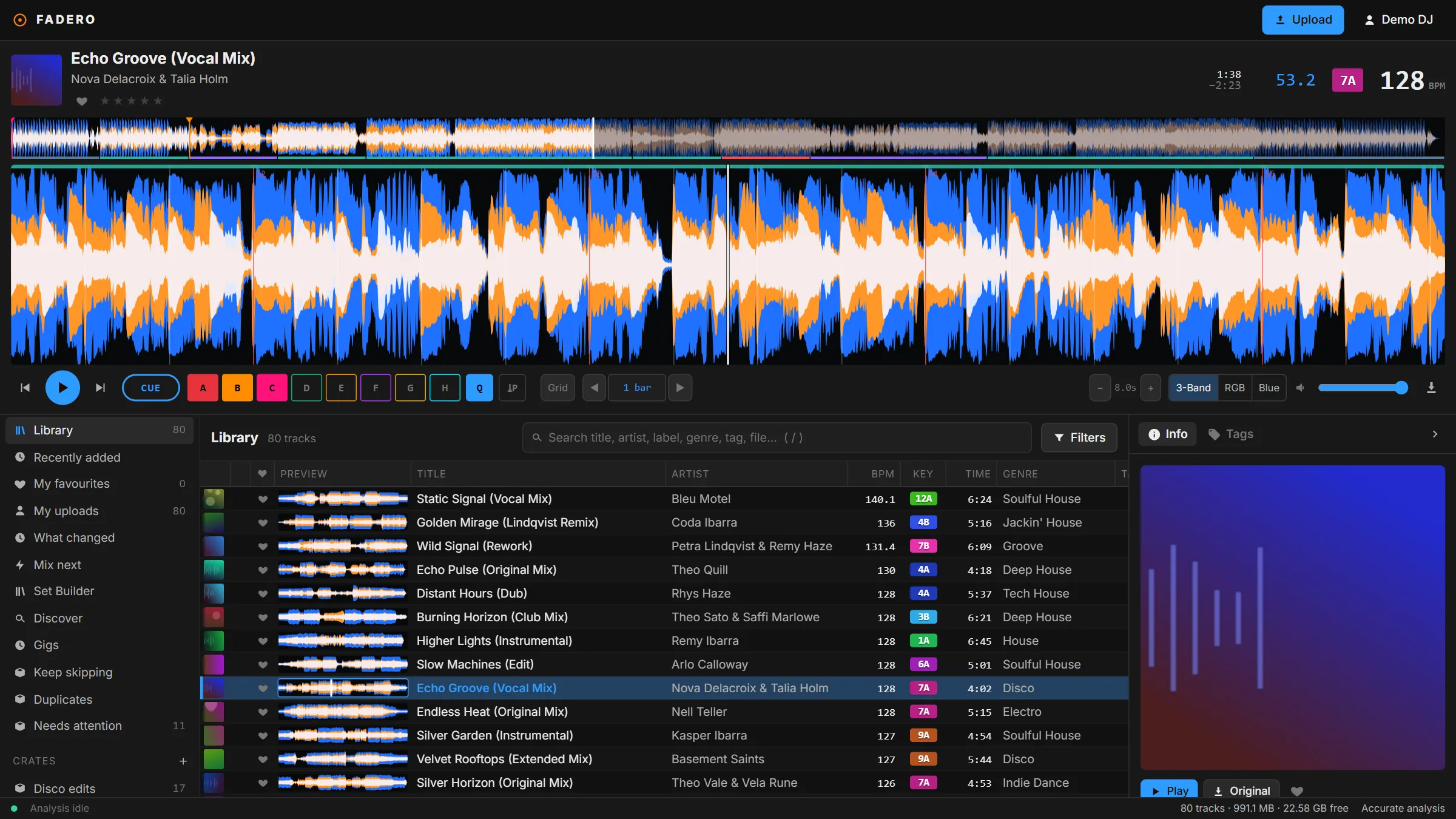
What's new in 1.10.0
- Fadero now updates itself. A new version downloads in the background, and the status bar says when it's ready to restart.
- Older versions of the app are told to update.
What the app adds
The parts a browser can't do.
USB sticks, found
Sticks appear as you plug them in, with their free space. Export, then eject.
Format for CDJs
Prepare a stick for CDJs without leaving Fadero.
DJ app sync
Bring in your rekordbox, Serato DJ or Traktor library, then keep it in step.
Watch folders
New music in the folders you choose uploads by itself while the app is open.
Audio per deck
Each deck and the previews can go to a different output.
Updates itself
New versions download in the background. Restart when the status bar says so.
No desktop app for your computer? Use Fadero in your browser. Players, DJ apps and file types: Compatibility.